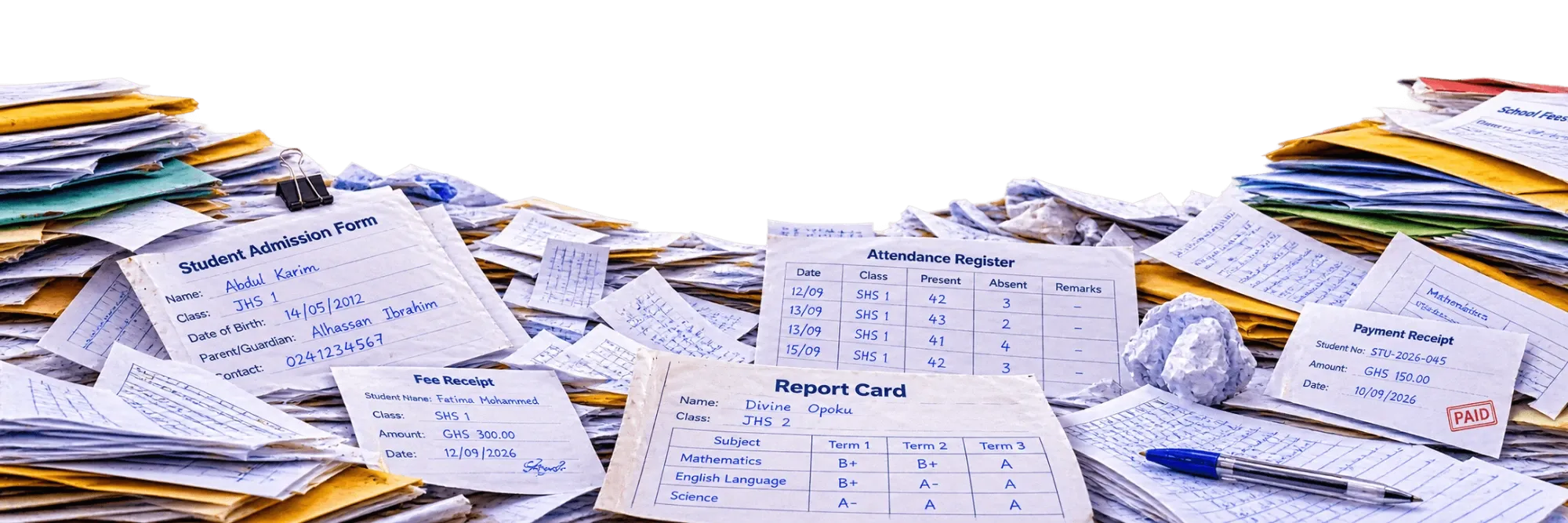
Every cedi recorded. Every parent gets a receipt.
Fees per class, sibling discounts and arrears carried forward. A receipt goes out by SMS and the app the moment a payment is recorded.
 Book a demo
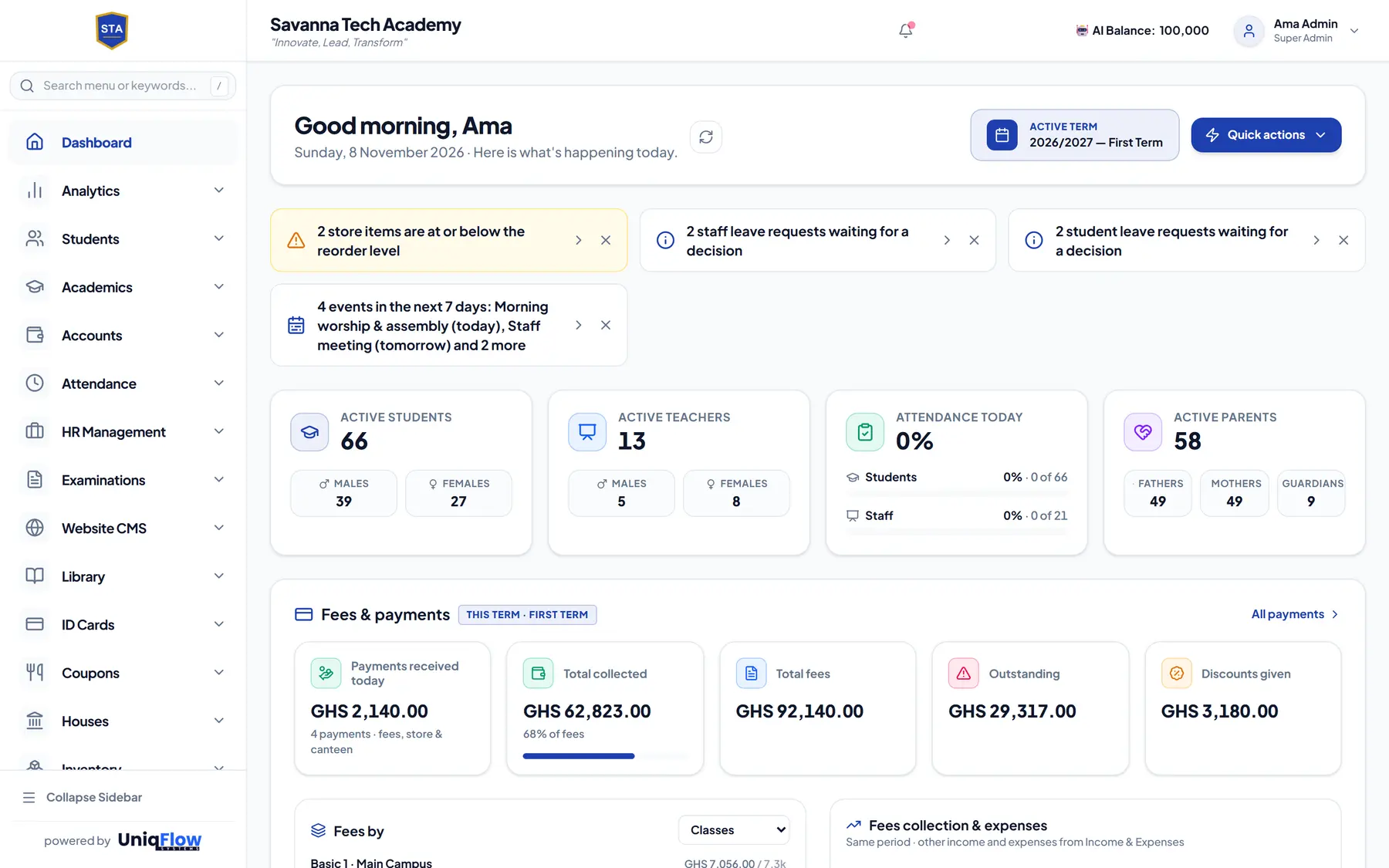
Fees, results, attendance, parents and teachers in one system. Built by former teachers, for private schools in Ghana.
We visit your school or show you online. No payment, no obligation.
Fees paid through



Built on the GES / NaCCA approved curriculum
 Ghana Education Service

Core features
Whoever records something, the accountant, a teacher, a parent paying by MoMo, everyone else sees it straight away.
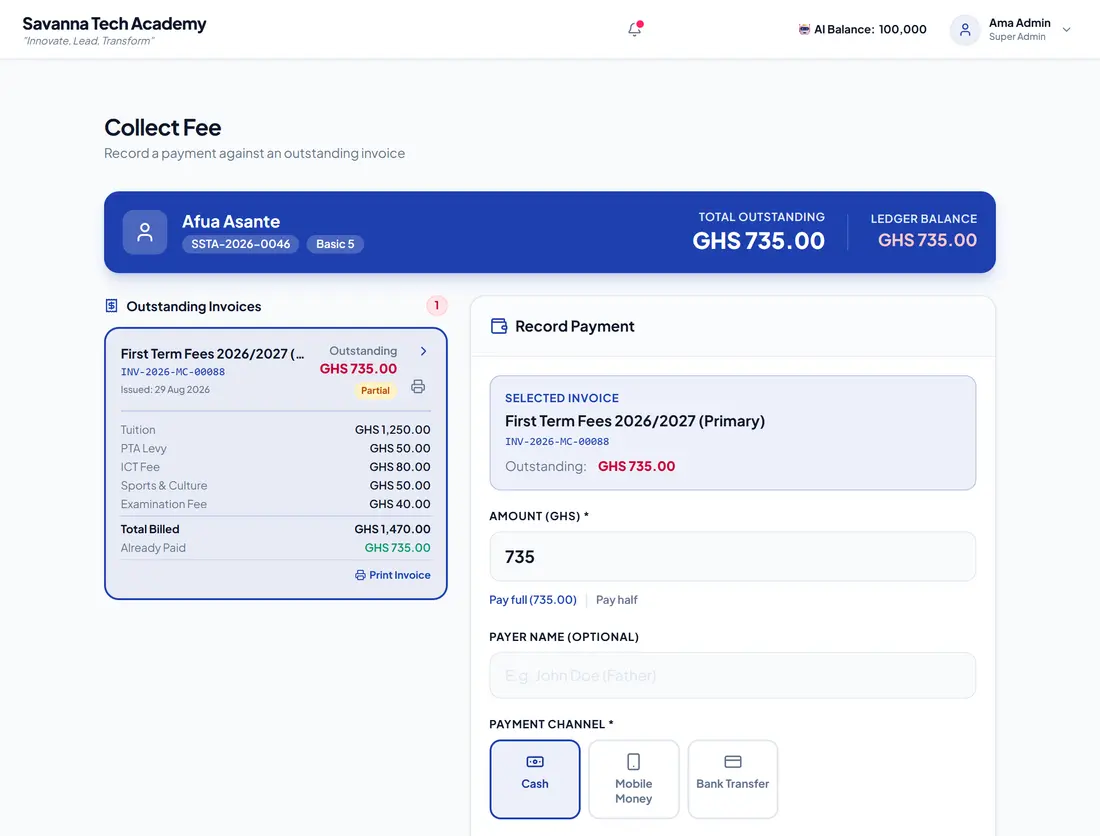
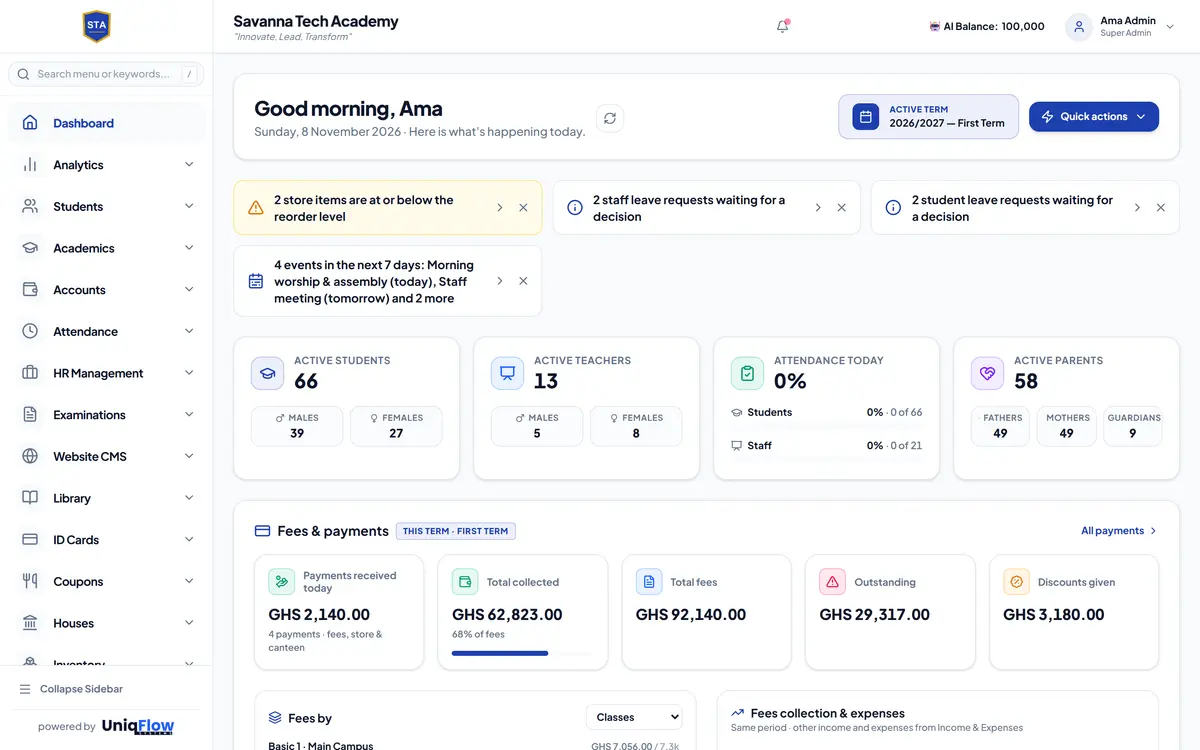
Fees per class, sibling discounts and arrears carried forward. A receipt goes out by SMS and the app the moment a payment is recorded.
Type a name and the payment is there, with its receipt. Try it.
Sample data from a demonstration school.
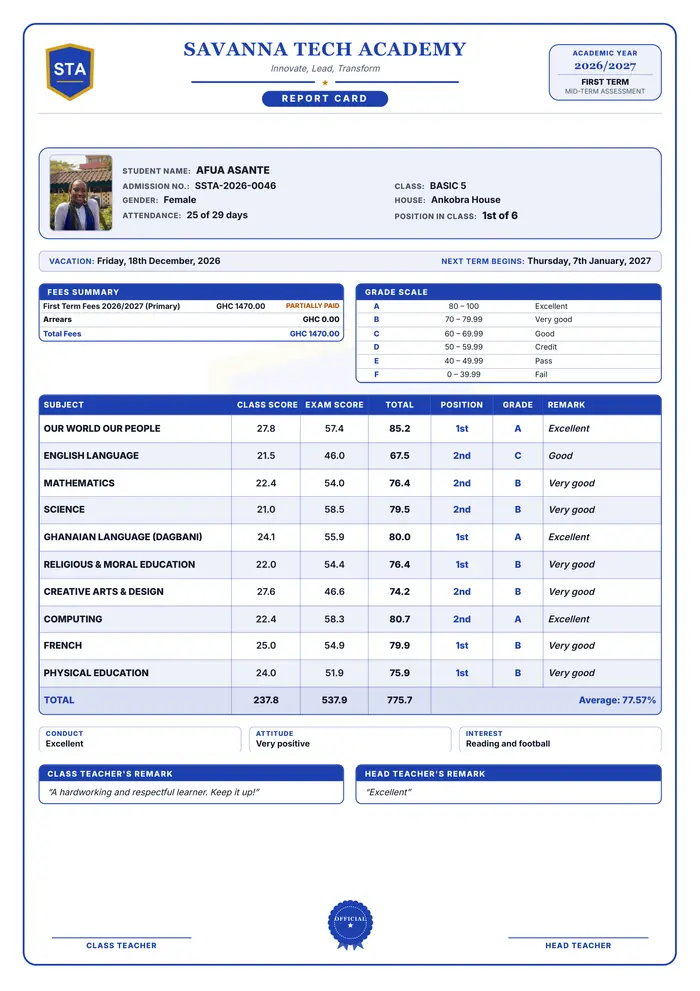
Scores entered once. Totals, positions and AI-drafted remarks done for you, in one of 10 designs.
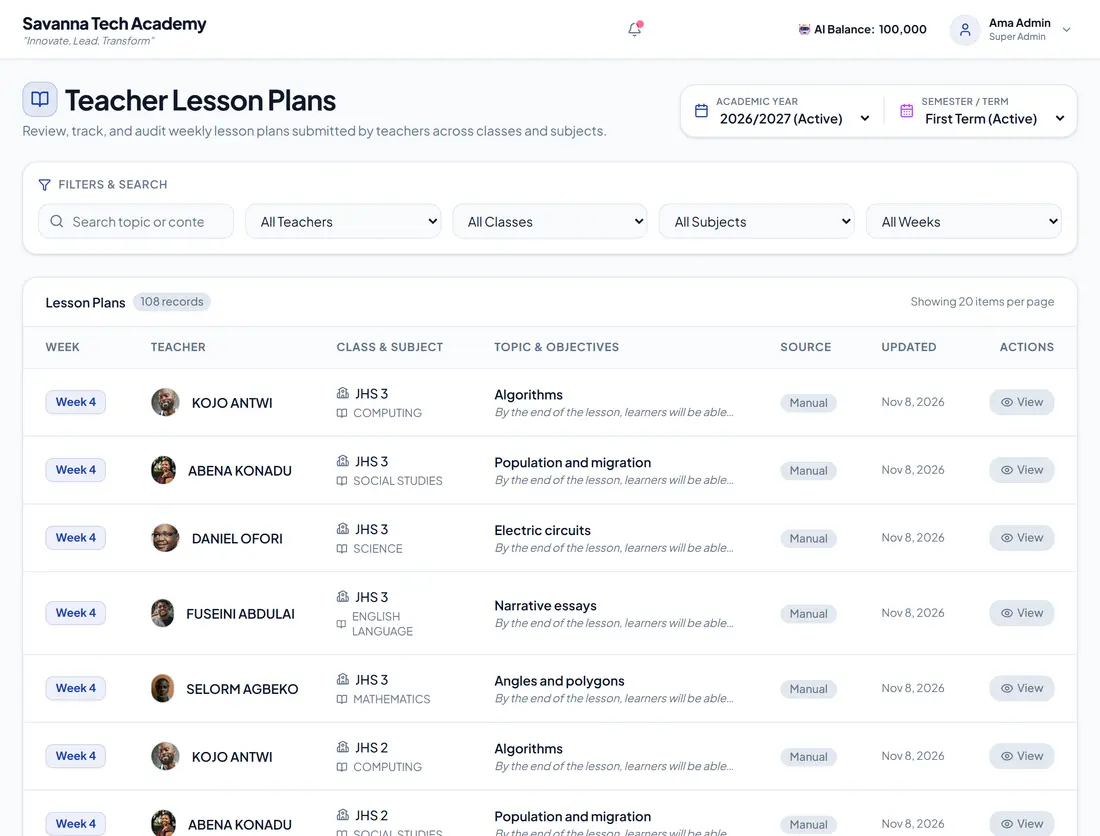
Built from the GES curriculum. Teachers draft lesson notes with AI, heads vet them online, and past papers become a reusable exam bank.
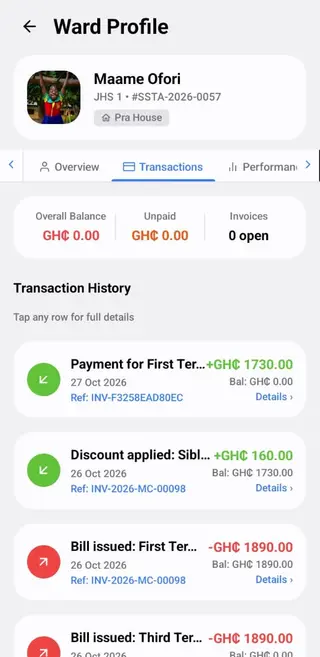
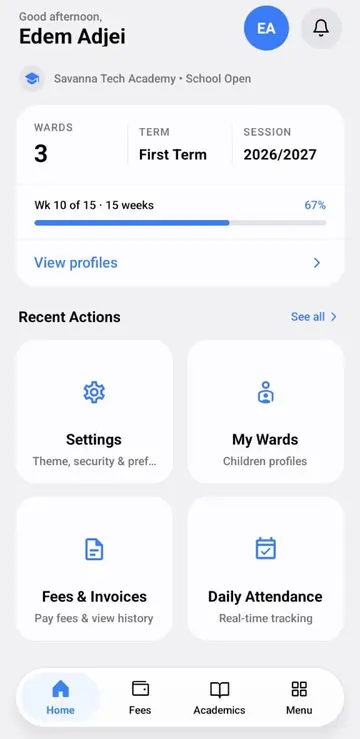
Fees, results, attendance and notices on the parent app. It still opens when their data runs out.
One message, sent to every parent who owes, each with their own child’s exact balance.
Hello Mr Mensah, Ama Mensah (Basic 5) has a First Term balance of GHS 450.00. You can pay by MoMo in the UniqKid parent app.
Sent from the SMS Center
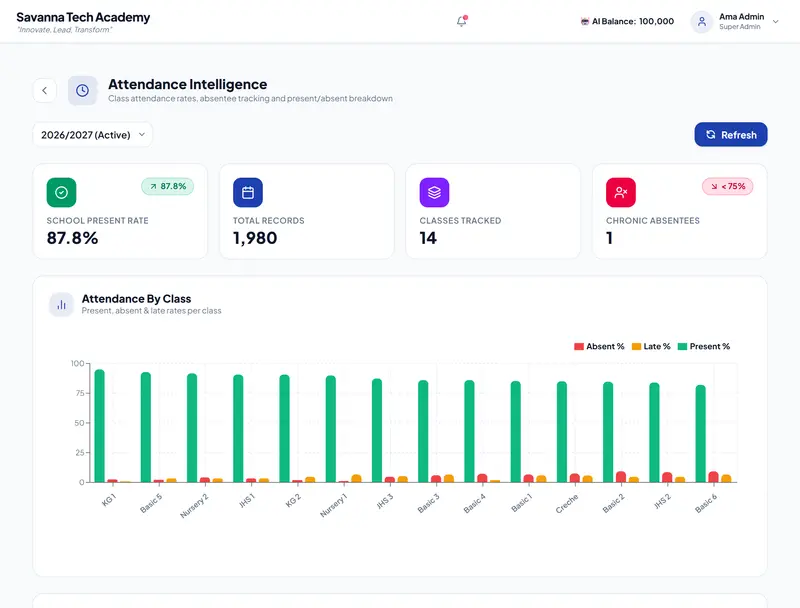
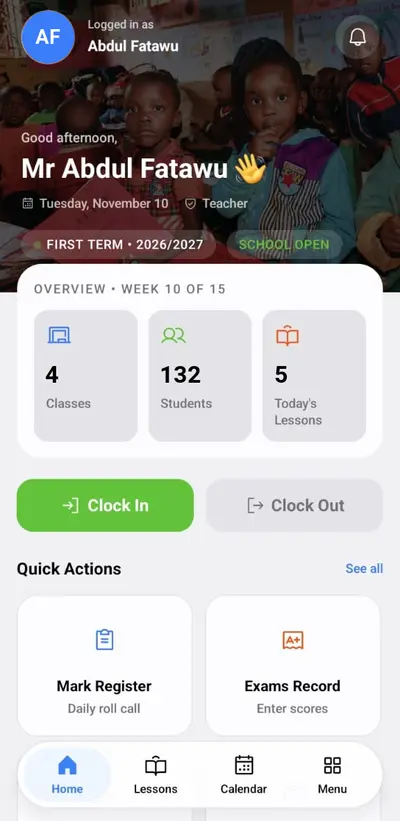
Teachers mark attendance on their phone. Staff clock in with a location check.
How it works
We were teachers and office staff in a private school before we wrote any software. So we start by listening, and we stay close after you go live.
Step 1
We sit with you to learn how your school runs and what you most want off your desk.
At your school or online
“Tell us what takes your school’s time.”
Step 2
We show UniqKid working on the problems you named: your fees, your report cards, your parents.
On your own problems
Step 3
We set up classes, fees and grading, and bring in your Excel sheets or old system.
You check the totals first
Step 4
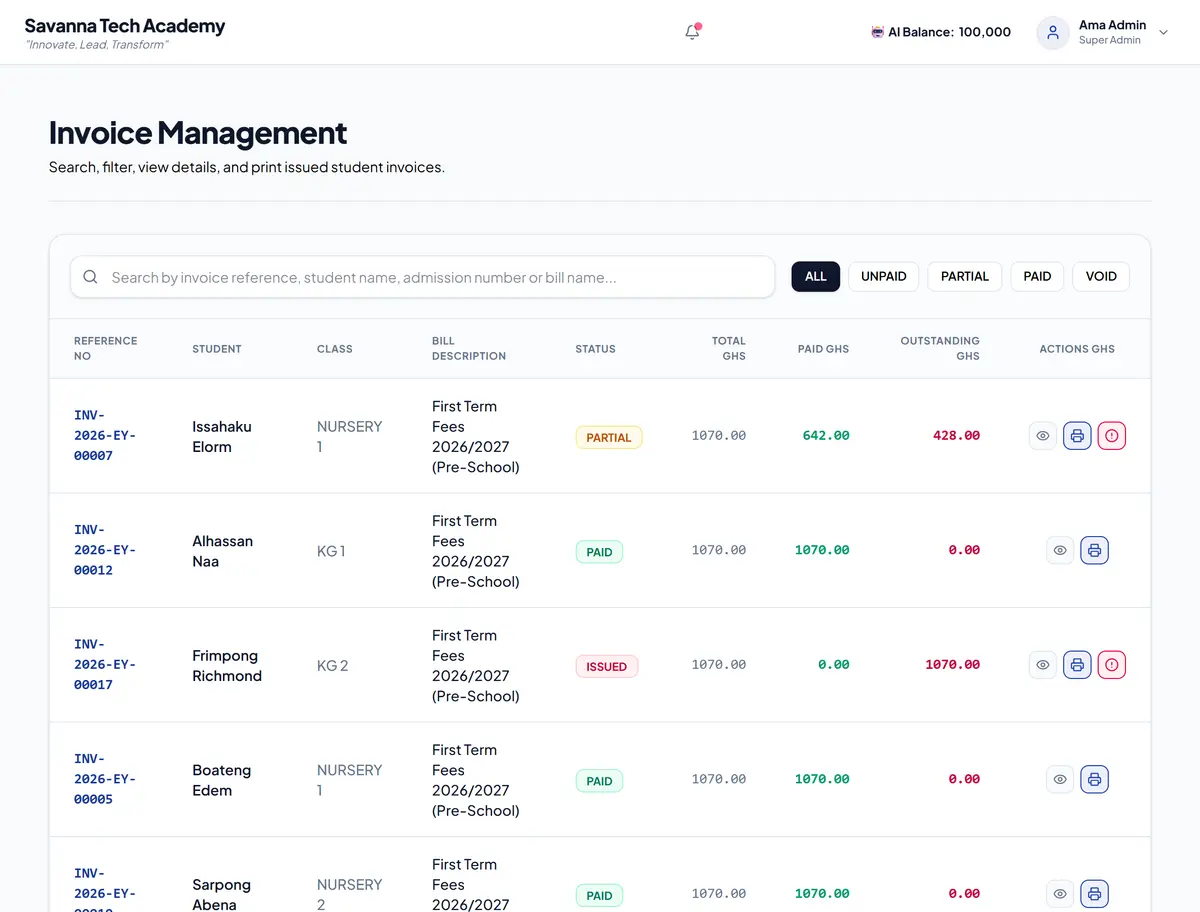
We train office staff and teachers at your school, and help parents get the app.
Office staff and teachers
Step 5
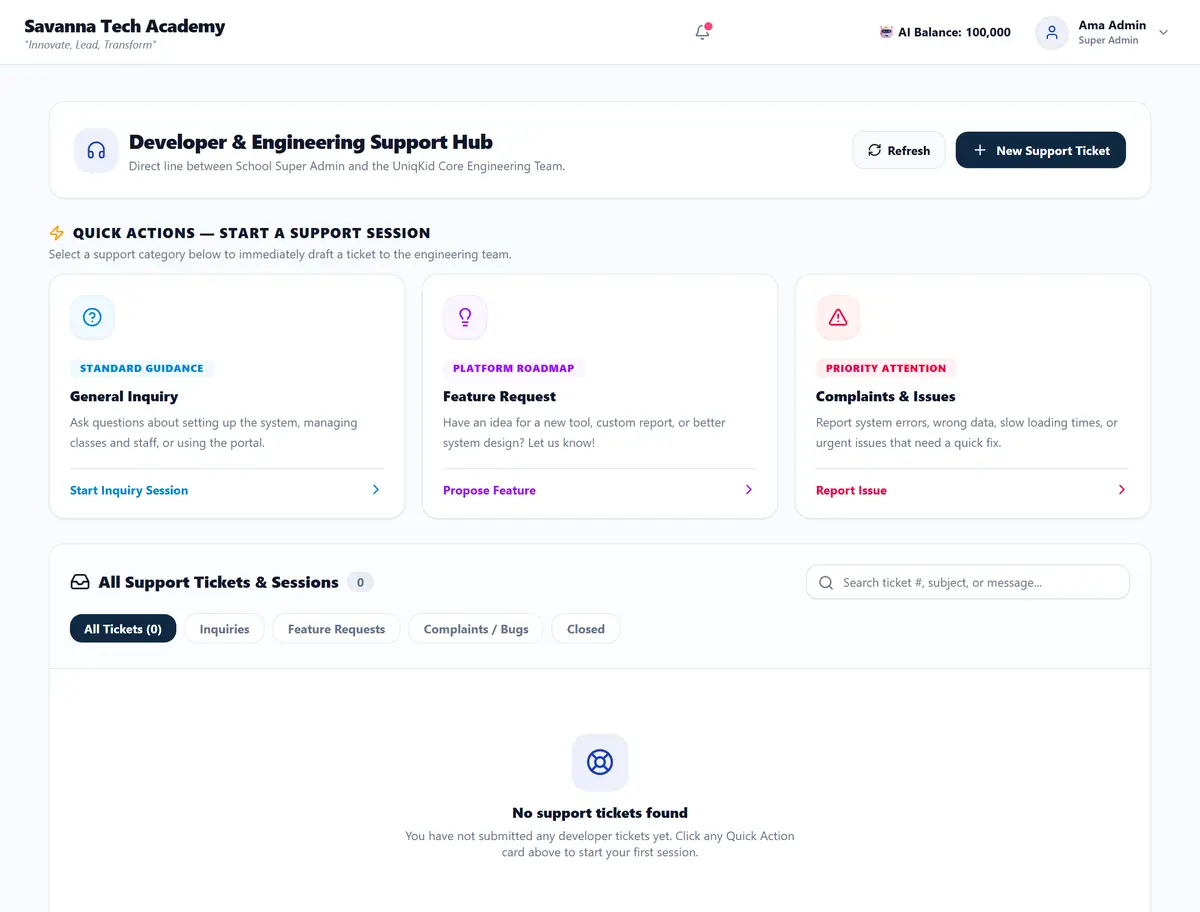
Questions are answered by people who were school staff themselves.
You ask, we build
Plans
No price list. Schools differ, so we recommend the plan that fits after we have talked, and tell you the cost before you commit.
The office dashboard, the parent app and the teacher app.
Get your quoteFor the first ten schools to run on UniqKid and tell us honestly what works.
Ask for a placeEverything in school management, plus your school online under its own name.
Get your quoteSome features depend on the plan chosen.
Free school templates
Fourteen documents every well-run school should have. Tap the ones you’re missing and we’ll send ready-made templates, free, whether or not you choose UniqKid.
Request saved
Send the WhatsApp message we prepared and we’ll reply with your templates.
FAQ
The parent app and the teacher app keep working and sync when the network returns. The office dashboard needs a connection.
An Android phone for the app. Parents without a smartphone still get receipts, reminders and notices by SMS.
By mobile money in the app, or at the office as usual. Either way they get a receipt and the balance updates everywhere.
Creche and nursery, KG and Basic 1 to 9, with the GES curriculum built in. You can add your own curriculum too.
We import your records for you: pupils and parents, staff, fees and arrears, past results. You check the totals before anything goes live.
It depends on the plan that fits your school. We recommend one after we have talked, and tell you the cost before you commit.
Yes. We train office staff and teachers at your school.
Request it from your dashboard. You see its status and our reply, and what schools ask for most is what we build next.
Book a demo
We’ll show you, on your own problems, how UniqKid gives that time back.
Thank you. We’ll call or WhatsApp you shortly to agree a time for your demo.
Want to talk now? Call 024 344 8398.